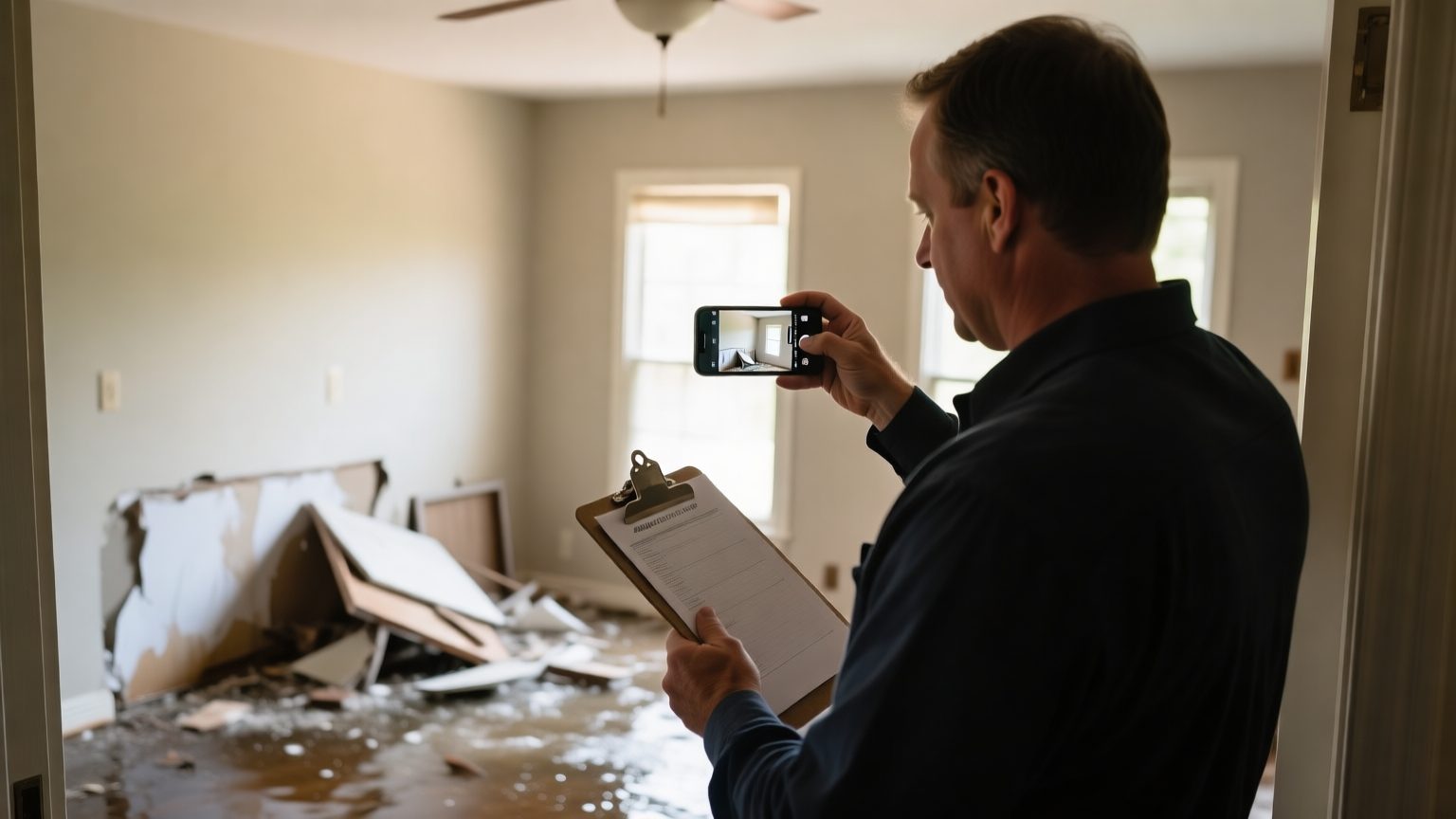
Most contents line items are not questioned because the price is wrong. They are questioned because the documentation is thin. A reviewer looking at "kitchen appliances, $1,800" has nothing to check, so they push back, and the claim slows. A reviewer looking at a photo of a specific stand mixer, its brand and model, its condition, and the retailer listing the replacement price came from has everything they need to approve the line. The value did not change. The documentation did. This is the standard that separates a contents file that moves from one that stalls, and it is set at the moment of capture, not at the moment of review.
The standards below are what make a value traceable. They apply whether you are a public adjuster building a file, a restoration team capturing a packout, or a homeowner documenting a loss. None of it is about inflating anything. It is about making each number answerable, so the person reviewing it can say yes without a second request.
Why documentation, not price, decides the outcome
The value of a contents claim is built item by item on replacement cost value, which is the cost to replace an item with one of like kind and quality at today's prices before depreciation. Our explainer on what replacement cost value (RCV) means covers the mechanics. What matters for review is that a replacement cost is only as strong as the item description it rests on. A vague description produces a vague, contestable value. A specific description produces a value a reviewer can verify against a real product.
That is why documentation, not the number, is the lever. The Insurance Information Institute's guidance on creating a home inventory lists the fields that make an item identifiable: description, make and model, serial number, where it was bought, and what it cost, supported by receipts and photos. Those are the same fields a reviewer looks for, because they are what let the value be traced back to a real item at a real price.
The five things to capture for every item
A defensible line item answers five questions before anyone asks them. Capture these and the value holds; skip them and the value invites a request for more information.
| What to capture | Why the reviewer wants it |
|---|---|
| A clear photo of the item | Confirms the item existed and shows what it is |
| Brand and model | Pins the item to a specific product, not a category |
| Condition, age, and quantity | Supports the depreciation and like-kind-quality step |
| A like kind and quality description | Justifies the replacement chosen when the exact model is gone |
| The source of the replacement price | Lets the reviewer verify the number without redoing the research |
The most-skipped field is the last one. A price with no source is the single most common reason a line gets kicked back, because the reviewer has no way to confirm it short of researching the item themselves. Recording where each price came from, a specific retailer listing for the same or a comparable item, is what turns a number into evidence. Our guide to building RCV evidence that survives carrier review works through this at the item level.
Photo standards that actually help
A photo is only useful documentation if it shows what a reviewer needs to see. Volume of photos is not the goal; the right photos are.
- Wide, then close. A wide shot of the room establishes context and placement, then a close-up of the item shows what it is. One without the other leaves a gap.
- Capture the identifying marks. Photograph the label, the model plate, or the serial number where one exists, especially on electronics and appliances. That single photo often settles the identification question by itself.
- Show condition honestly. A photo that shows the item's actual age and wear supports the depreciation step and keeps the file credible. Documentation that reads as accurate is documentation a reviewer trusts.
- Keep the timestamp. Letting the device timestamp photos adds credibility about when the documentation was captured.
When an item is already gone, as in a total-loss fire, the photo standard shifts to recovering pre-loss images and records instead, which our guide to documenting contents after a fire covers step by step.
Match the replacement to like kind and quality
When the exact item is discontinued, the replacement has to be like kind and quality: a current product with comparable features, materials, and tier, not the cheapest or the most expensive substitute. This is where a value most often becomes contestable, because a replacement that is a clear upgrade or a clear downgrade is easy to challenge. Documenting why the chosen replacement matches, on the specific attributes that matter for that item, is what keeps the value defensible. The like-kind-and-quality description is not a formality; it is the bridge between the item that was lost and the price you are claiming.
Assemble it into a review-ready file
Individual well-documented items still have to add up to a file a reviewer can work through. The Insurance Information Institute's guidance on settling claims after a disaster is blunt about the basics: prepare an itemized inventory of damaged items with descriptions, dates, and replacement costs, keep copies of everything, and note that most policies require claims to be filed within a set window, often one year from the loss. A review-ready contents file is that inventory with the evidence attached to each line, organized so a reviewer can move top to bottom without stopping to ask where a number came from.
Whether the payment comes as replacement cost or actual cash value first, with recoverable depreciation released after items are replaced, is governed by the policy, not by the documentation. Your policy language is what governs how and when RCV is paid. The documentation's job is narrower and entirely in your control: make every value traceable so the review is fast.
How ContentsIQ helps
ContentsIQ is built to produce documentation to this standard at volume. It turns photos, item lists, spreadsheets, and claim files into drafted item descriptions and replacement cost values with the evidence attached: the brand and model it identified, a like-kind-and-quality match, and the retailer source behind each price. A professional reviews and signs off on every line before anything is final, and because uploaded claim files can contain sensitive information, how ContentsIQ handles security explains how that data is protected. It assists with identification, valuation, and documentation, and complements the field and estimating tools you already use. It does not replace professional judgment, and it is not a public adjuster. More guides are on the ContentsIQ blog, and you can talk to ContentsIQ about a specific workflow.